HODLings is the private cryptocurrency tracker — free at hodlings.app, or a one-time $1 on iOS and Android. No accounts, no ads, and all your data stays on your device.
- 🌐 Free at hodlings.app
- 💰 $1 on iOS & Android
- 🔒 No account required
- 💾 On-device storage
- 🚫 No ads
- 📊 1000+ cryptocurrencies


Features
Portfolio Management
- 1000+ cryptocurrencies: Track Bitcoin (BTC), Ethereum (ETH), Solana (SOL), and over 1,000 other coins, with balances in any of 28 fiat currencies.
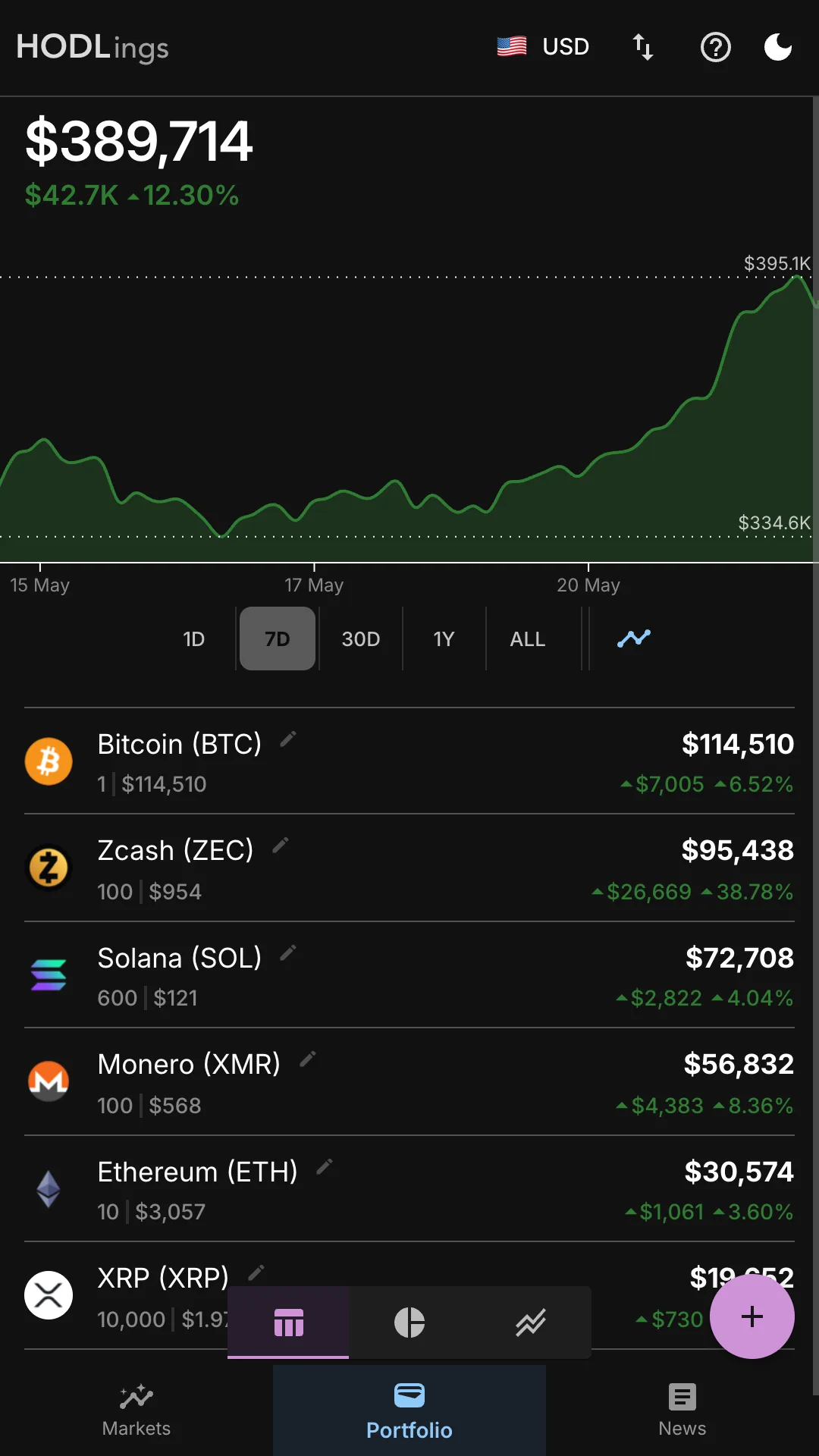
- Performance chart & holdings table: Live portfolio value chart across 1D, 7D, 30D, 1Y, or ALL time, with a per-holding breakdown of value, quantity, price, and period gain.
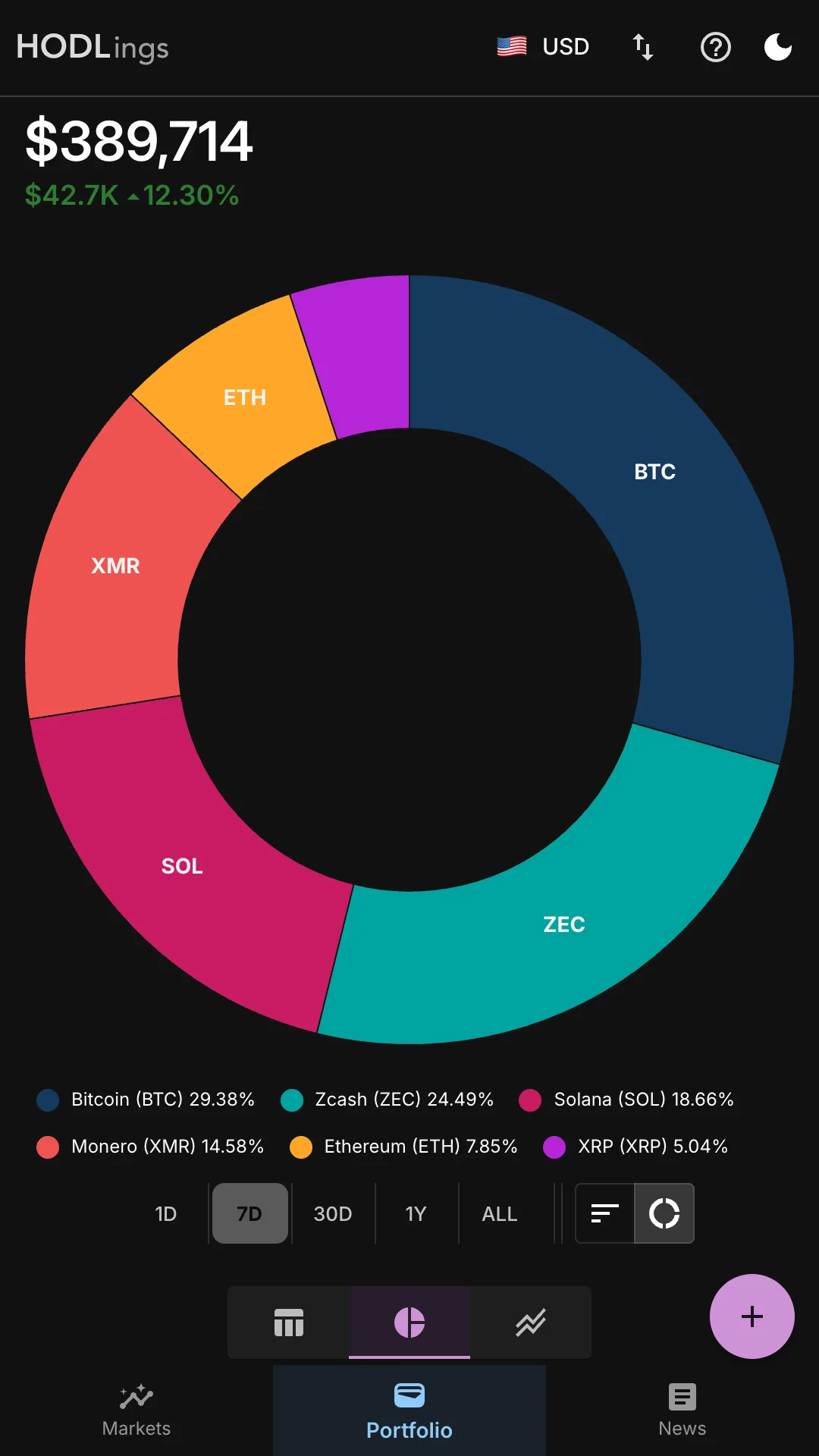
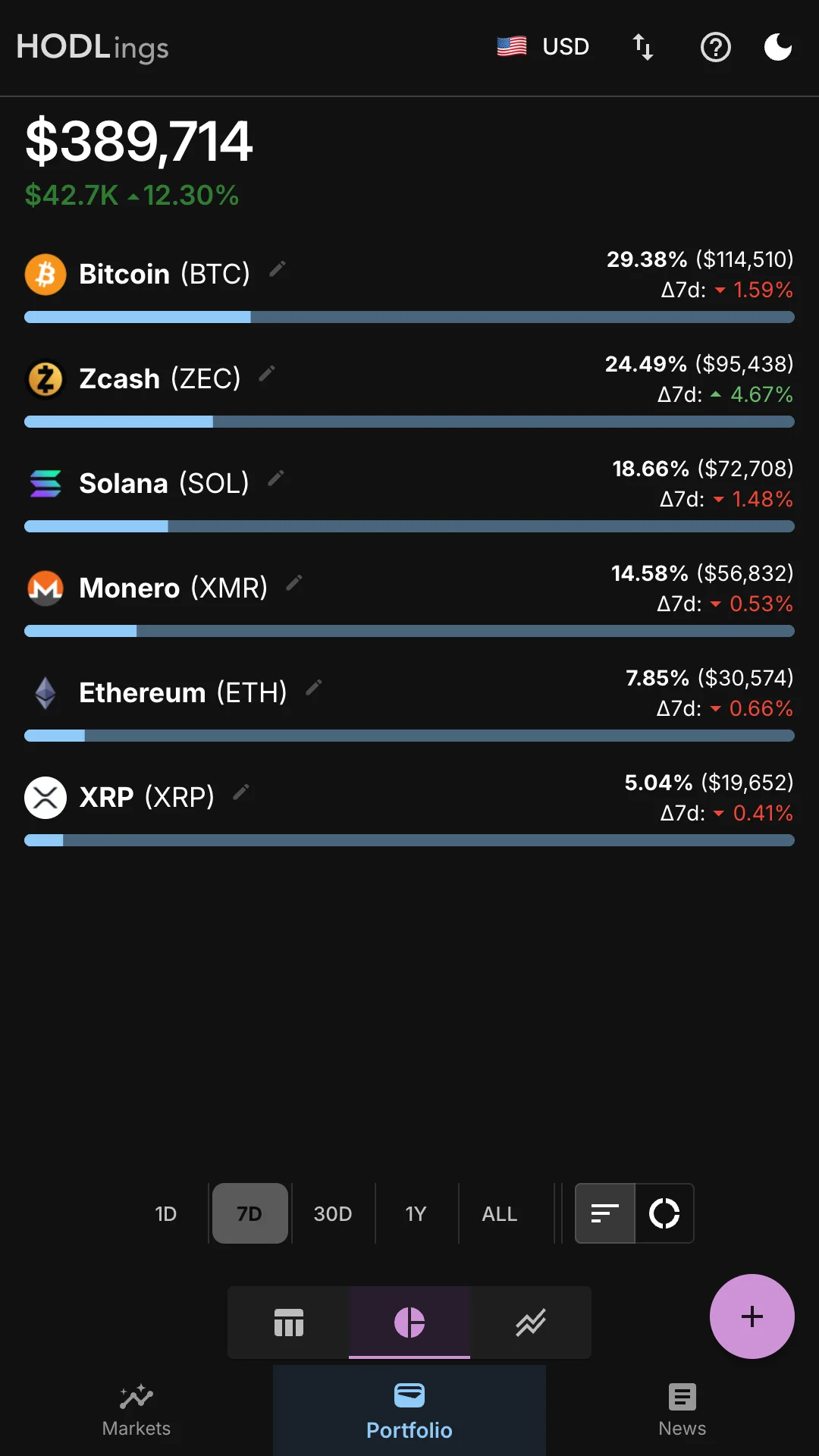
- Diversification views: Switch between a donut pie chart and a proportional bar chart to see your allocation at a glance.
Market Tracking
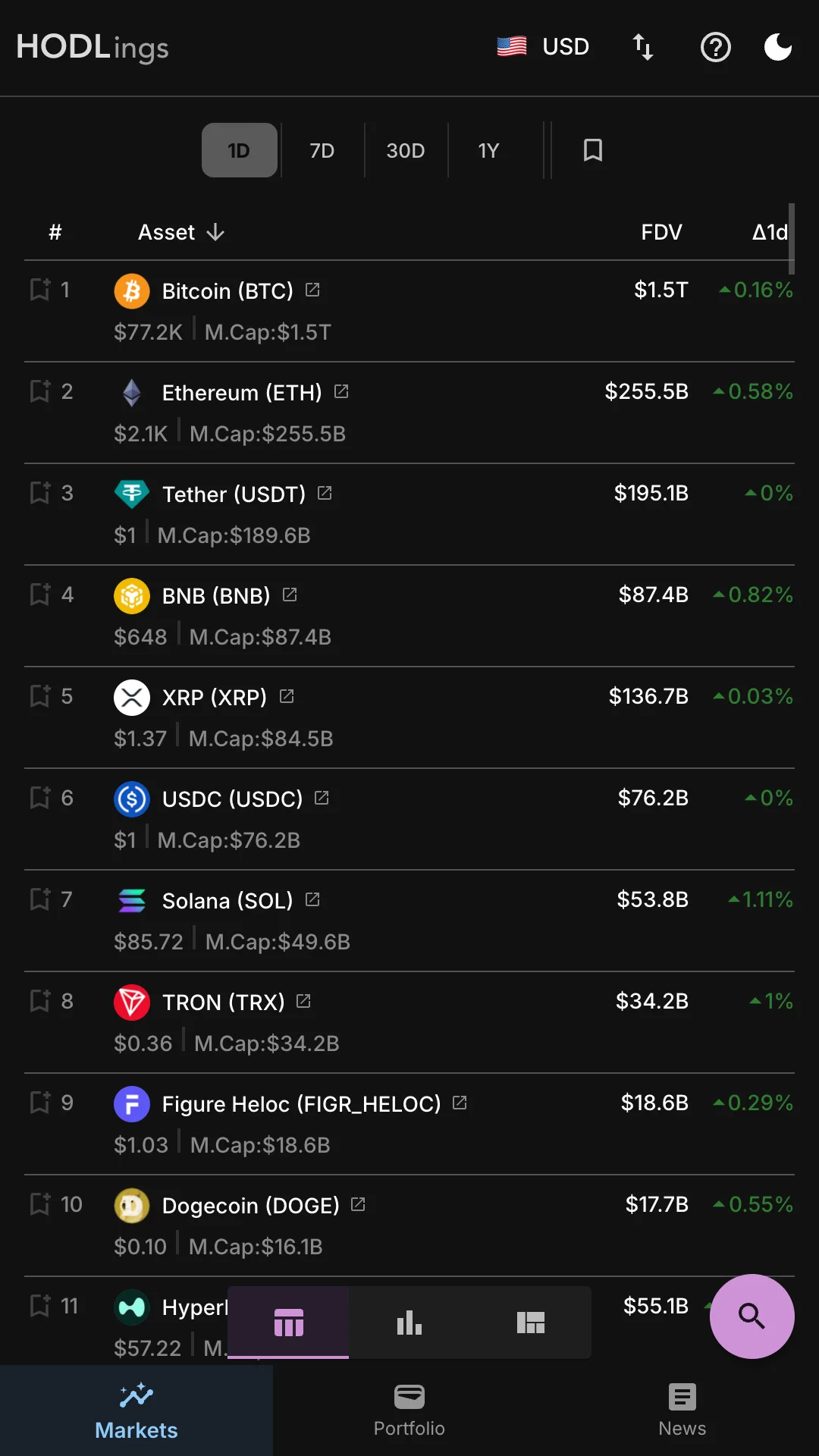
- Rankings table: Browse the full crypto market sorted by market cap with price, fully diluted value (FDV), and 1D, 7D, or 30D price deltas. Bookmark your favourite coins for fast access.
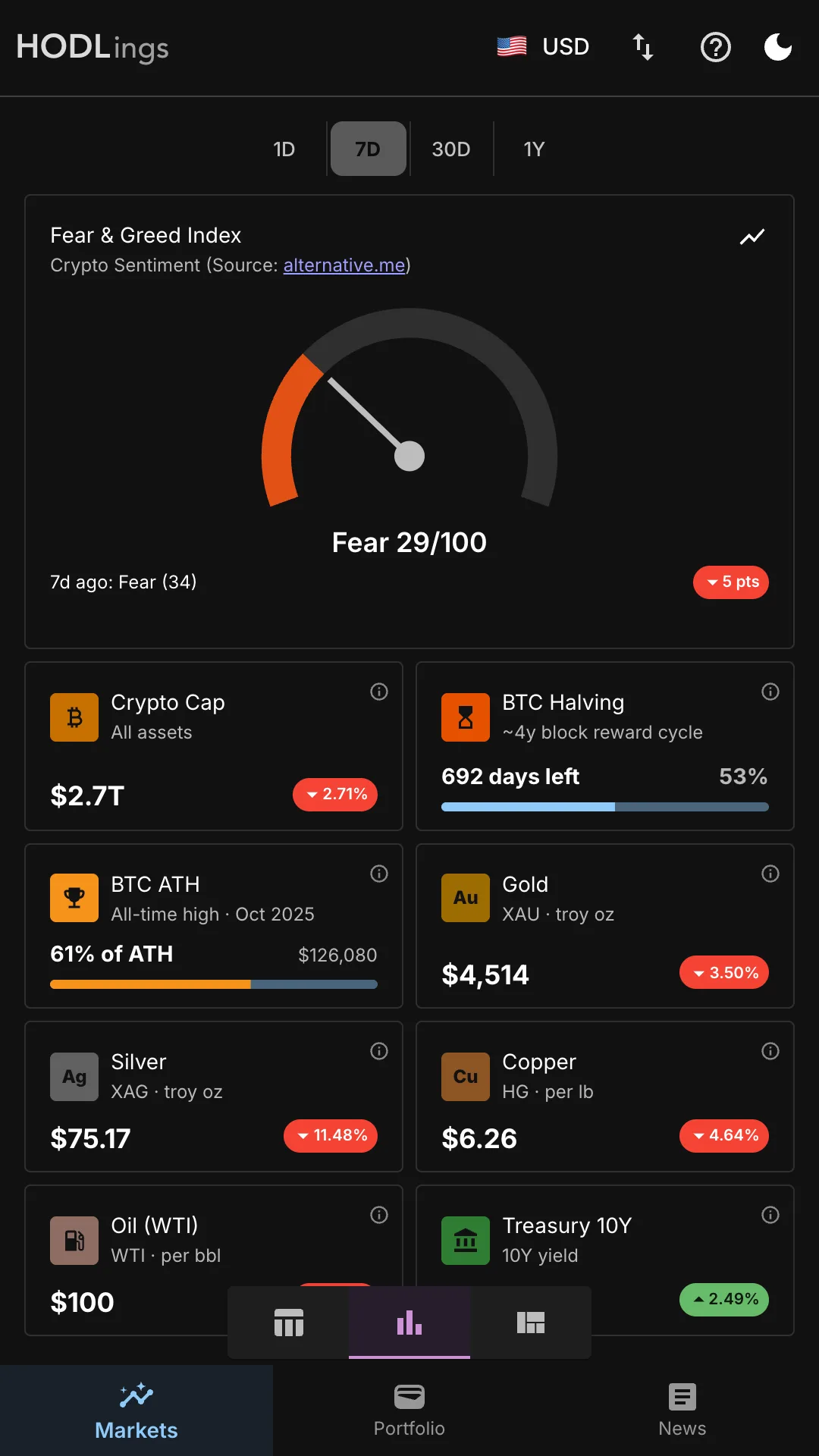
- Market stats: Monitor the Fear & Greed Index, total crypto market cap, BTC halving countdown, BTC vs all-time high, and macro benchmarks like Gold, Silver, Oil, and Treasury yields — all in one view.
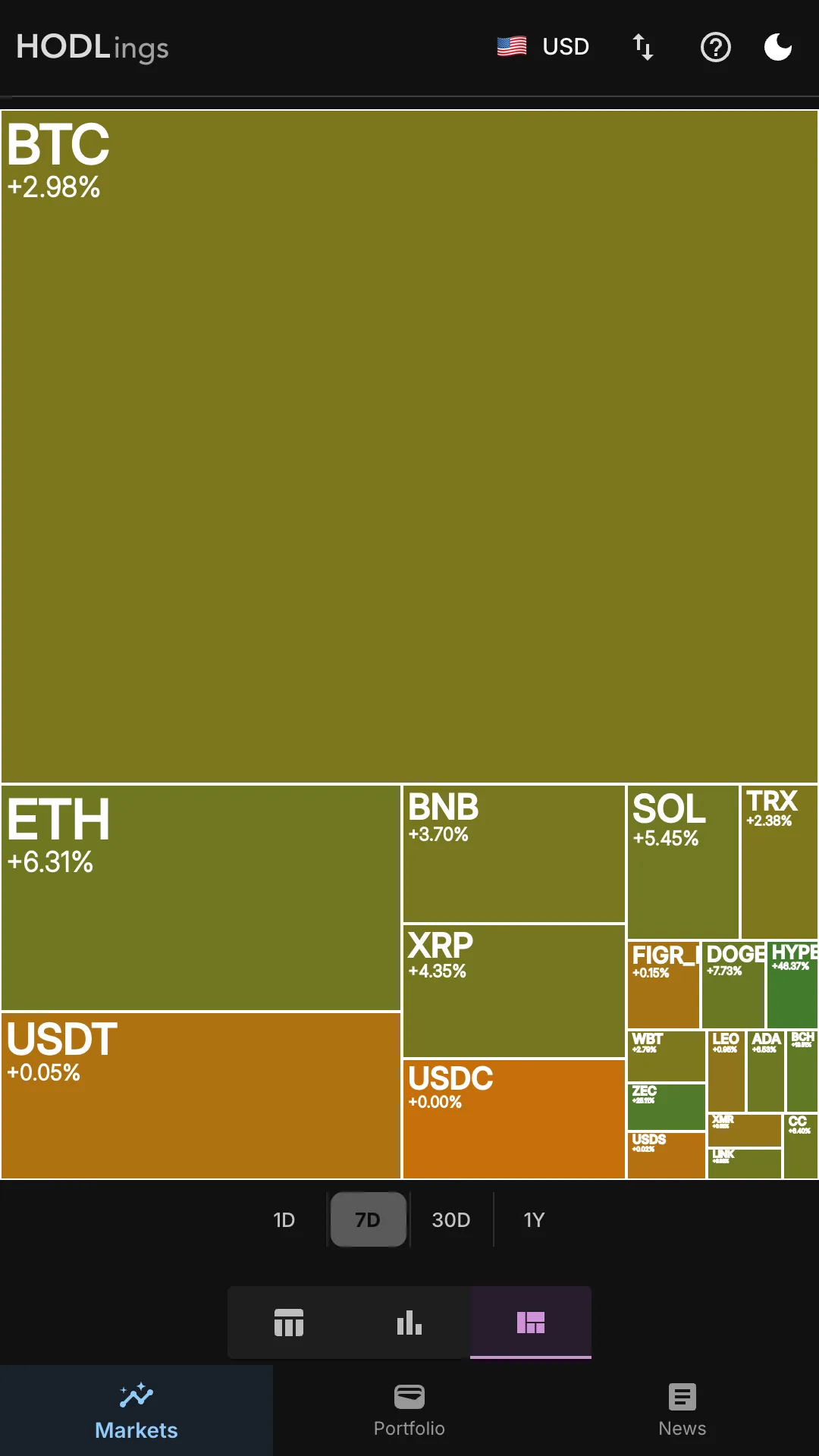
- Market heatmap: A treemap colour-coded by price performance for an at-a-glance picture of which coins are up and down across the whole market.
News & Sentiment
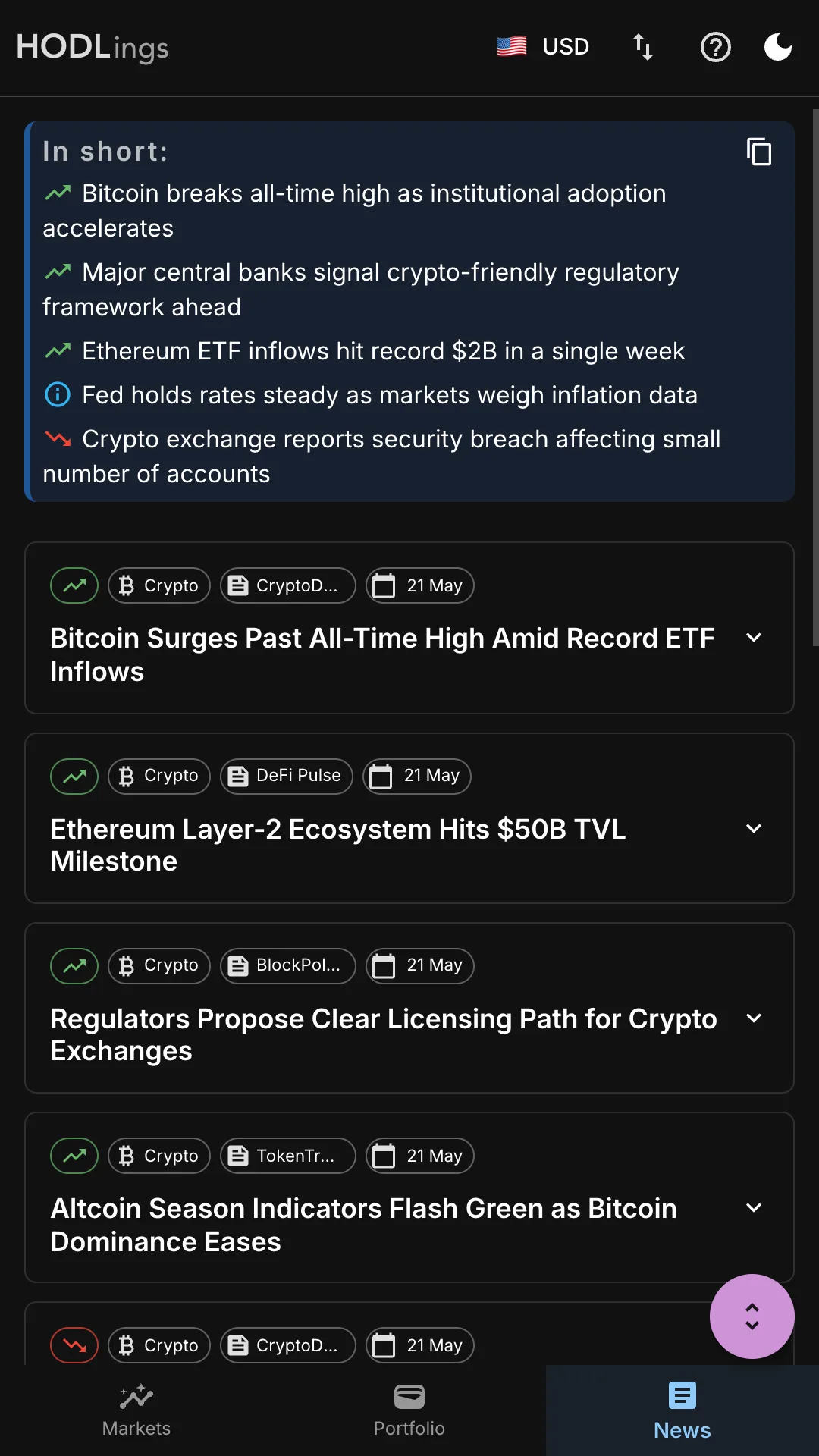
- TLDR digest: An AI-generated “In short:” summary of the day’s top crypto stories and overall market sentiment — the signal without the noise.
- Article feed with sentiment: Browse individual news articles tagged with sentiment indicators, publication source, and date. Each article is AI-summarised so you can stay informed at a glance without clicking through.
Why Choose HODLings?
- Truly private: No accounts, no sign-ups, no KYC. Your portfolio lives in on-device local storage — never on a server.
- No ads, no noise: No sponsored listings, no coin shilling, no external trackers.
- One fair price: Free on the web. One-time $1 on iOS and Android — no subscriptions, no in-app purchases.
- Polished experience: Light and dark mode, minimalist design, works on web, iPhone, iPad, and Android.
The privacy-first alternative to Blockfolio, Delta, CoinGecko Portfolio, CoinMarketCap, and Koinly — same core tracking features, zero data collection.
Stop being the product. Start being the investor.
Try HODLings free at hodlings.app, or pick up the native app for $1 on iOS or Android. Feel free to email us for any inquiries.
Frequently Asked Questions
Is HODLings free?
The web version at hodlings.app is free — it may occasionally ask for optional donation/support. The iOS and Android apps cost a one-time $1 with no support pop-ups, no subscriptions, and no in-app purchases.
Do you support the free web version?
Yes. We provide best-effort support by email for both the free web app and native apps. If HODLings helps you, buying the $1 iOS or Android app directly supports ongoing updates and helps keep the web version sustainable.
Why buy the iOS or Android app if the web version is free?
The native apps are a one-time $1 purchase that helps fund development, maintenance, and support. It is a simple way to back HODLings while getting the same private, ad-free experience with no subscriptions or in-app purchases.
Does HODLings require an account or sign-up?
No. HODLings requires no account, no email, and no sign-up of any kind. Just download and start tracking.
Where is my portfolio data stored?
Entirely on your device. HODLings uses local on-device storage — your data is never sent to a cloud server or any third party.
Is HODLings available on iPhone and Android?
Yes. HODLings is available on both iOS (iPhone and iPad) and Android.
Does the HODLings web app work on desktop and is it responsive?
Yes. The HODLings web app (PWA) works on desktop browsers and is responsive across phones, tablets, and desktop screen sizes.
How many cryptocurrencies does HODLings support?
HODLings supports over 1,000 cryptocurrencies including Bitcoin (BTC), Ethereum (ETH), Solana (SOL), and many more.
Is there a subscription fee?
No. HODLings has no subscription and no recurring charges. The web version at hodlings.app is free. The iOS and Android apps are a one-time $1 purchase with no in-app purchases.
Can I use HODLings on iPad?
Yes. The iOS version runs on both iPhone and iPad via the App Store.
What is shown on the Markets / Stats page?
The Markets / Stats page includes the Fear & Greed Index, total crypto market cap, BTC halving countdown, Bitcoin vs all-time high, and macro indicators such as gold, silver, copper, crude oil, and the 10-year Treasury yield. It is designed for market context and is not financial advice.
What is the Fear and Greed Index?
The Fear and Greed Index is a 0–100 market sentiment score derived from price momentum, trading volume, social media activity, and BTC dominance. A score below 25 signals extreme fear (historically associated with buying opportunities); above 75 signals extreme greed (a common time to exercise caution). HODLings shows both the current value and historical trend.
Does HODLings show ads?
No. HODLings is completely ad-free with no external trackers or sponsored content.
How do I install HODLings as a PWA on iPhone, Android, or desktop?
Open hodlings.app in your browser, then:
- iPhone / iPad (Safari): tap the Share button → "Add to Home Screen".
- Android (Chrome): tap the menu (⋮) → "Install app" or "Add to Home screen".
- Desktop (Chrome / Edge / Brave): click the install icon in the address bar, or menu → "Install HODLings".